Drupal AI can draft site content, but editorial safeguards remain essential
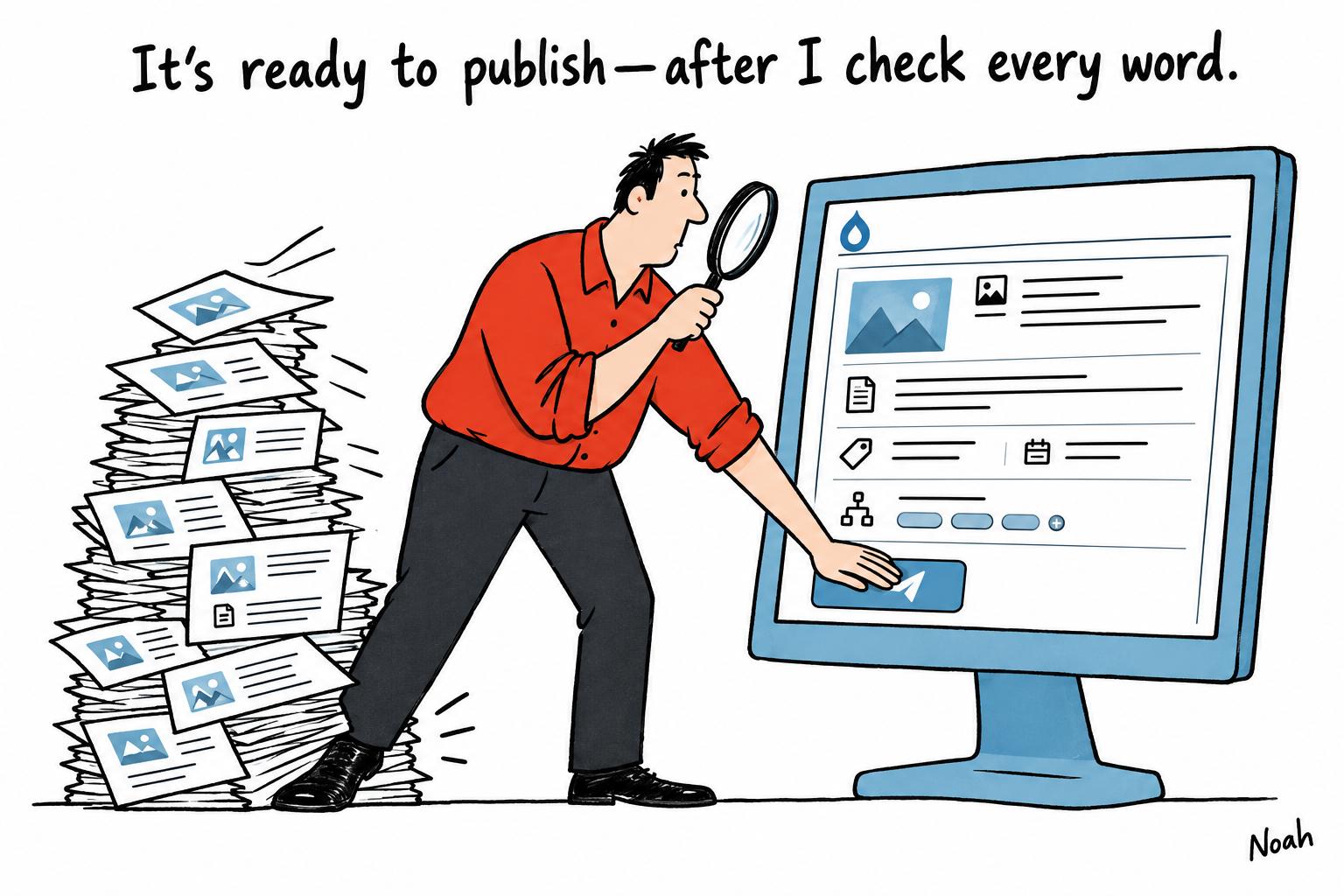
Cartoon · AI-generated
AI tools can suggest image descriptions, summaries, metadata and taxonomy terms for Drupal sites. Editors still need to verify each draft, prevent unapproved text from going live and weigh review time against the savings.
Artificial intelligence can help Drupal teams address the less visible work of maintaining a website: writing image descriptions, page summaries, metadata and taxonomy suggestions. The key is to treat generated text as a draft for an editor, not as content ready to publish.
Drupal’s AI project provides a framework that can connect sites to different AI providers, while related modules add functions such as content suggestions, field actions and validation. The available workflow depends on which modules are installed and how the site is configured. Logging tools can also capture prompts and responses for troubleshooting, but teams must still set up their own review process and ensure unapproved material cannot reach public pages. According to the Drupal AI project documentation, the framework does not automatically supply every approval or publishing safeguard.
A practical workflow begins by deciding where each draft will go and how it will be approved. Generated values might be held in a separate candidate field or in an unpublished revision. Either way, teams need to check that public templates and configured APIs do not expose a draft prematurely, and that regeneration cannot overwrite an accepted value without review. Keeping a record of the source content, language, prompt and model can help editors assess whether a candidate remains relevant after a page changes.
Image descriptions call for particular care because the right alternative depends on what an image contributes in context. A useful generation request should provide the image, the page language and nearby material that explains its purpose. The W3C Web Accessibility Initiative advises that informative images need text conveying their relevant information, while complex diagrams may require a fuller explanation than a short alt value can provide. Editors should also decide whether the image is decorative: W3C guidance says an empty alt value is appropriate when an image adds no meaningful information. Automatically filling every image field is therefore not a sound measure of progress.
Meta descriptions are another candidate for assisted drafting, provided the model receives approved page content rather than unrelated navigation or promotional copy. Drupal’s Metatag project supports metadata such as page descriptions and allows defaults as well as content-level overrides; revision-based workflows can also be used, depending on a site’s configuration. A draft should be checked for unsupported claims and stale details before approval. Google Search Central notes that search engines may use a meta description, but often create snippets from page content instead, and can vary what they display. A chosen character limit may help an editorial workflow, but it cannot guarantee how a description will appear in search results.
Summaries need similar checks, especially when a page includes prices, dates, measurements or qualifications. A fluent draft can still distort a source by dropping a condition or changing the relationship between a figure and a claim. Editors should compare numerical details with the approved content and ensure the summary preserves relevant exceptions. If the source is incomplete or contradictory, the workflow should allow the editor to request clarification rather than encouraging the model to fill gaps.
AI can also suggest tags, but suggestions should not become taxonomy assignments until they have been checked. Drupal’s reference fields can connect content to recognised taxonomy terms, rather than storing an unvalidated label as plain text. A safe process lets the editor select from the site’s permitted vocabulary and resolves an approved choice to the correct term reference. As the Drupal user guide explains, these fields represent relationships between content entities and other entities; they do not determine whether a suggested term is appropriate.
Review screens should make checking efficient by showing the source, existing accepted value, proposed draft and any warnings together. Teams can begin by reviewing every generated value, noting why drafts are changed or rejected, and then consider sampling only for established, lower-risk tasks. That change should not apply to high-risk content, such as technical diagrams or summaries with sensitive numerical details. If a sample reveals a recurring error, the batch may need fuller review and the prompt, inputs or routing rules may need revision.
Cost and performance should be assessed by accepted work, not by the number of responses generated. Limiting inputs to the material each task needs, setting caps on batch sizes and retries, and avoiding repeat runs on unchanged content can help control usage. Teams should also track the time editors spend correcting drafts, alongside provider charges and the number of approved fields. A model that costs less per request may not be economical if its output takes longer to review.
A pilot can start with one content type and a representative set of tasks, including routine images, a complex diagram, number-heavy pages and any languages the site plans to support. Measuring accepted values, review time and recurring errors will show where assistance is useful and where manual work remains preferable. Drupal’s structured fields can make approved content reusable across configured pages and services, but structure alone does not establish accuracy: editorial judgement remains essential.
Inspired by headline at: [1]
Sources by paragraph: - Paragraph 1: [2] - Paragraph 2: [2] - Paragraph 3: [2], [3] - Paragraph 4: [5], [7] - Paragraph 5: [3], [4] - Paragraph 6: [2], [6] - Paragraph 7: [2], [5] - Paragraph 8: [2] - Paragraph 9: [2], [3]
Source: Noah Wire Services · Original